
2h ago
Bank connected but CC’s not linking.
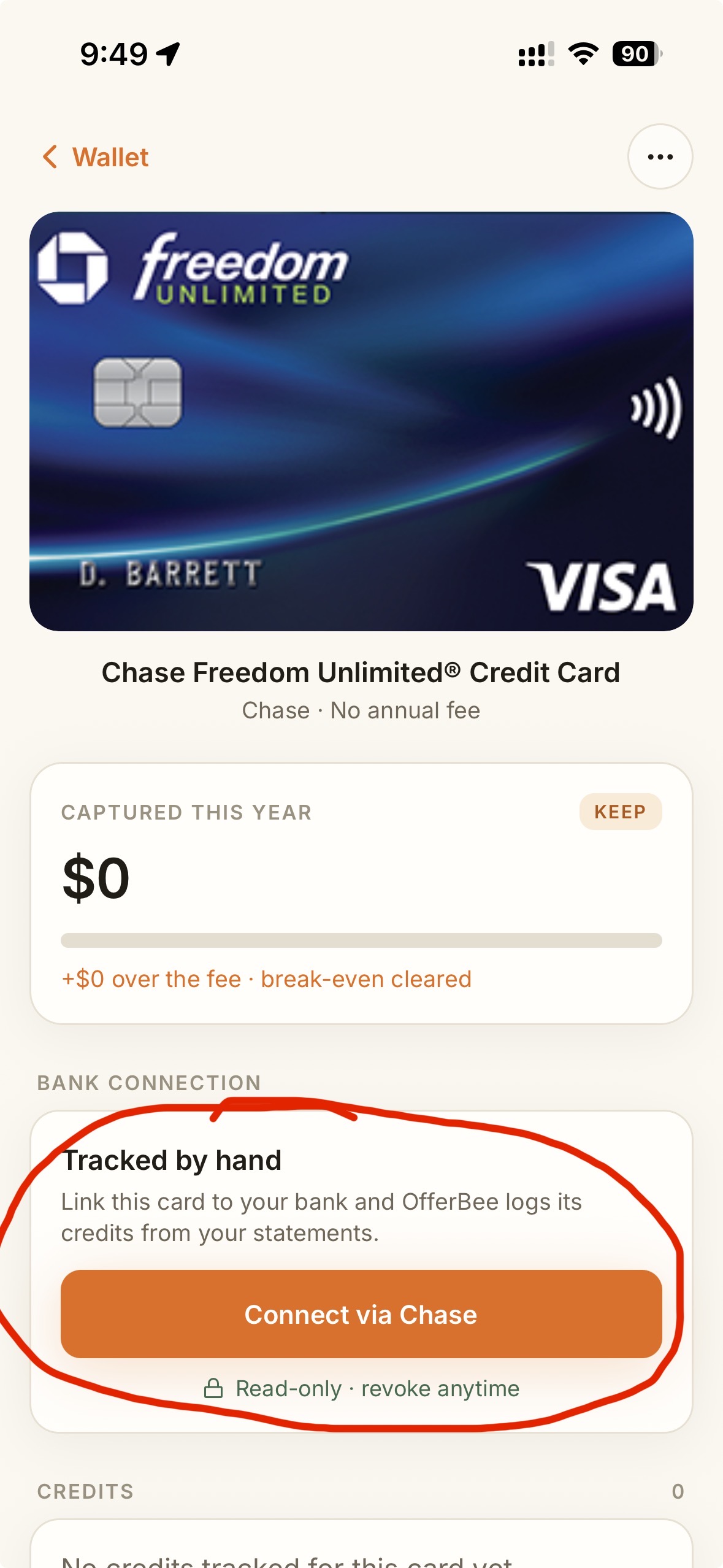
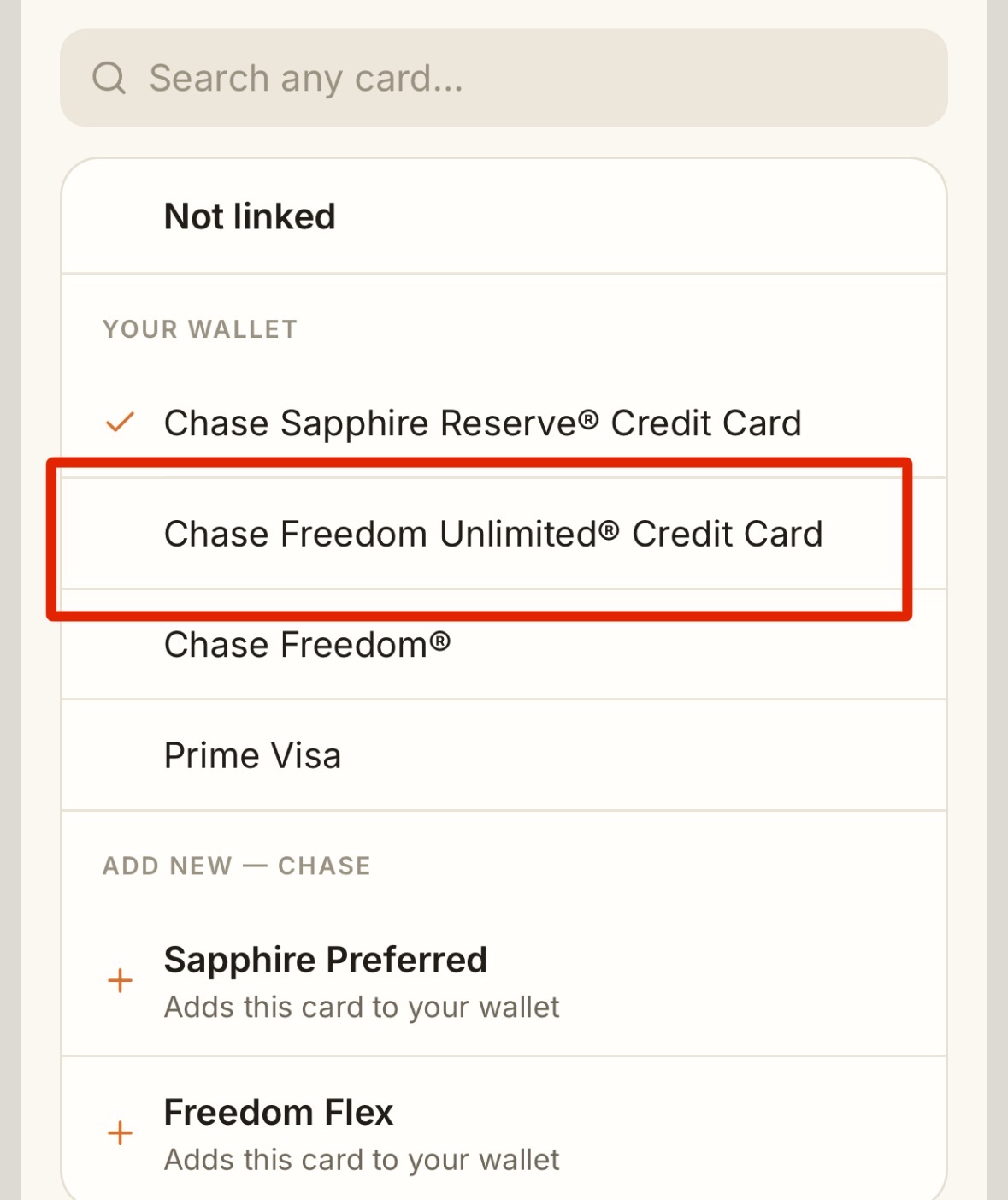
I have connected my Chase bank account and I have 4 CC’s but only 1 card is linking. I have redone the “add card” workflow but wallet still shows:
“Tracked by hand
Link this card to your bank and OfferBee logs its credits from your statements.
Connect via Chase
& Read-only • revoke anytime “
Reviewing
Hi Mark — thanks for the screenshots, they made this easy to track down. Your Chase connection is working, but Chase is only sharing your Sapphire Reserve with us. Chase decides which cards an app can see, on its own screen, so we can't pull the others until Chase shares them. To add the other three: 1. Open Freedom Unlimited in your Wallet and tap **Connect via Chase**. 2. When Chase asks which accounts to share, **tick all four cards** (Sapphire Reserve, Freedom Unlimited, Freedom and Prime Visa), not just the one already ticked, then approve. 3. Back in OfferBee you'll see "We found your cards". Confirm each one. If Chase doesn't show you the other cards, you can reset what you've shared and start clean: either from OfferBee's entry in the connected-apps section of Chase's security settings, or at my.plaid.com. Then tap Connect via Chase again. If any of those cards are under a different Chase login, go to Add card → Chase and choose "It's a separate login". Reply here if they still don't show up and we'll dig in.